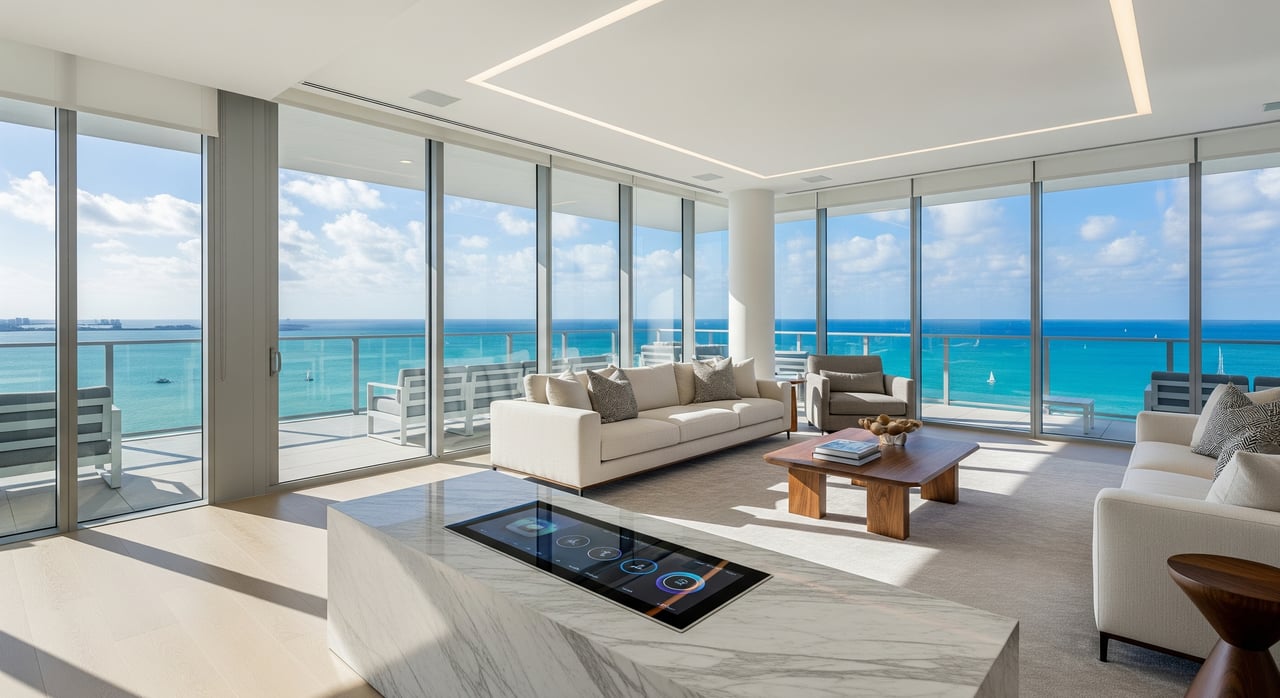
SoFi Smart Home Connectivity for Miami Beach Condos
If you have ever wondered why your luxury condo still has Wi‑Fi dead zones, you are not alone. South of Fifth towers are built with thick concrete and steel that look beautiful but can quietly sabotage wireless performance. You want your smart shades, audio, lighting, and video calls to work flawlessly, without chasing approvals or risking violations. This guide gives you a clear plan for wiring, mesh Wi‑Fi, and approvals tailored to SoFi high‑rises in Miami Beach. Let’s dive in.
Concrete and rebar are the biggest hidden factors in South of Fifth towers. They block and weaken wireless signals, especially between rooms and across floors. That is why a single all‑in‑one router rarely covers a full residence. Expect to use multiple access points and prioritize wired connections wherever possible.
Most vertical pathways, like communications risers and chases, are common elements that the condo association controls. You typically need building approval to access these areas, and a licensed contractor may be required. Many interior walls, ceilings, and floor assemblies are fire rated. Any penetration must be correctly firestopped with tested materials to maintain the building’s fire resistance.
Some ceiling cavities also function as return air plenums. In these spaces, plenum‑rated cable is required, while riser or general‑purpose cable may be acceptable elsewhere. High‑end buildings often have aesthetic rules that restrict visible hardware, including balcony devices and exterior faceplates, so plan for discreet, in‑ceiling or high‑wall access points inside the unit.
If you want a smooth smart‑home experience, start with a small structured wiring approach. Build a central location that ties your incoming internet, wired devices, and access points together. This gives you performance today and flexibility for future upgrades.
Choose a central media enclosure in a closet or mechanical room near your provider demarcation. Include a compact patch panel and a small rack shelf for your modem, router, and switch. Keep the enclosure accessible for service, and allow space for cable management and labeling.
Use CAT6A for new Ethernet runs whenever possible. It supports up to 10 Gbps, handles longer PoE runs better, and is more future‑proof than CAT6. Keep separation from high‑voltage lines per code, and consider shielded cable near heavy electrical or elevator equipment to reduce interference.
Run RG6 quad‑shield coax if your provider uses coax feeds. If you cannot pull Ethernet, plan for MoCA adapters over coax to create a high‑throughput wired backhaul for your mesh nodes. If your ISP delivers fiber to the unit, terminate it cleanly in the central enclosure, then distribute service via Ethernet.
A managed PoE switch lets you power ceiling or wall access points without individual adapters. Size PoE ports to match your access point power needs. Add a small UPS for your modem, router, controller, and switch so your network and key automations stay up during short outages.
Terminate cables on a patch panel and label every run at both ends. Keep an as‑built diagram inside the enclosure, including device locations and cable paths. Good documentation saves time for future changes, and associations often appreciate organized records.
Consumer mesh kits often rely on wireless backhaul, which struggles through concrete. You will get better results by running wired backhaul to each access point. This is the biggest difference between a quick fix and a reliable network in a SoFi condo.
Connect your access points to the PoE switch using Ethernet. If wall fishing is not possible, use MoCA 2.5 or 3.0 adapters over existing RG6 coax to create a gigabit‑class backhaul. Limit wireless hops between nodes because concrete and neighbor networks reduce speed and stability.
Mount access points on ceilings or high walls for more uniform coverage. Favor 5 GHz and 6 GHz bands when your devices support them since they deliver better throughput in dense environments. Use automatic channel selection with ongoing monitoring, and reduce 2.4 GHz transmit power if you experience interference.
Enterprise or SMB‑style access points, such as Ubiquiti UniFi, Cisco Meraki, or Aruba Instant On, provide flexible placement, central management, and PoE. These systems make it easy to adjust power levels, create separate SSIDs, and maintain firmware. They also support VLANs if you want to isolate smart devices from your laptops and phones for security.
Create a separate SSID or VLAN for IoT devices to limit their visibility to personal devices. Use WPA3 where supported and maintain unique, strong passwords. Keep firmware current on your router, access points, and smart hubs.
Upgrades inside your unit may touch common elements or life‑safety assemblies, so approvals come first. Expect several layers of sign‑off before work begins. This protects the building and keeps your project on schedule.
Florida Building Code, the National Electrical Code, and NFPA Life Safety standards are enforced locally. Firestopping is not optional. Any penetration through a rated assembly must be sealed with a listed system that matches the original rating, and documentation may be required by the Fire Marshal, inspector, or association.
Follow this sequence to plan, approve, and install your smart‑home network without surprises.
Reliable connectivity is now an amenity. Buyers and tenants expect fast Wi‑Fi, stable video calls, and smart‑home devices that simply work. A well‑designed wired backbone and properly placed access points help your condo show better and live better.
If you are planning a renovation or preparing to bring a residence to market, build connectivity into your scope early. The right plan reduces friction with your association, prevents rework, and supports your long‑term value.
Ready to plan upgrades or discuss how connectivity can support your sale or lease strategy in Miami Beach? Request a private consultation with Dianna Lantigua Realty.



Whether guiding buyers through South Florida’s most prestigious neighborhoods or representing seasoned investors, she ensures a seamless experience defined by privacy, professionalism, and personalized attention.

Dianna Lantigua
17121 COLLINS AVE SUNNY ISLES BEACH FL 33160